USER EXPERIENCE, INTERFACE, AND INTERACTION DESIGN
Interface and Interaction Design
Creating intuitive, visually appealing, and functional digital experiences by designing layouts, elements, and behaviors that enhance usability, accessibility, and user engagement.

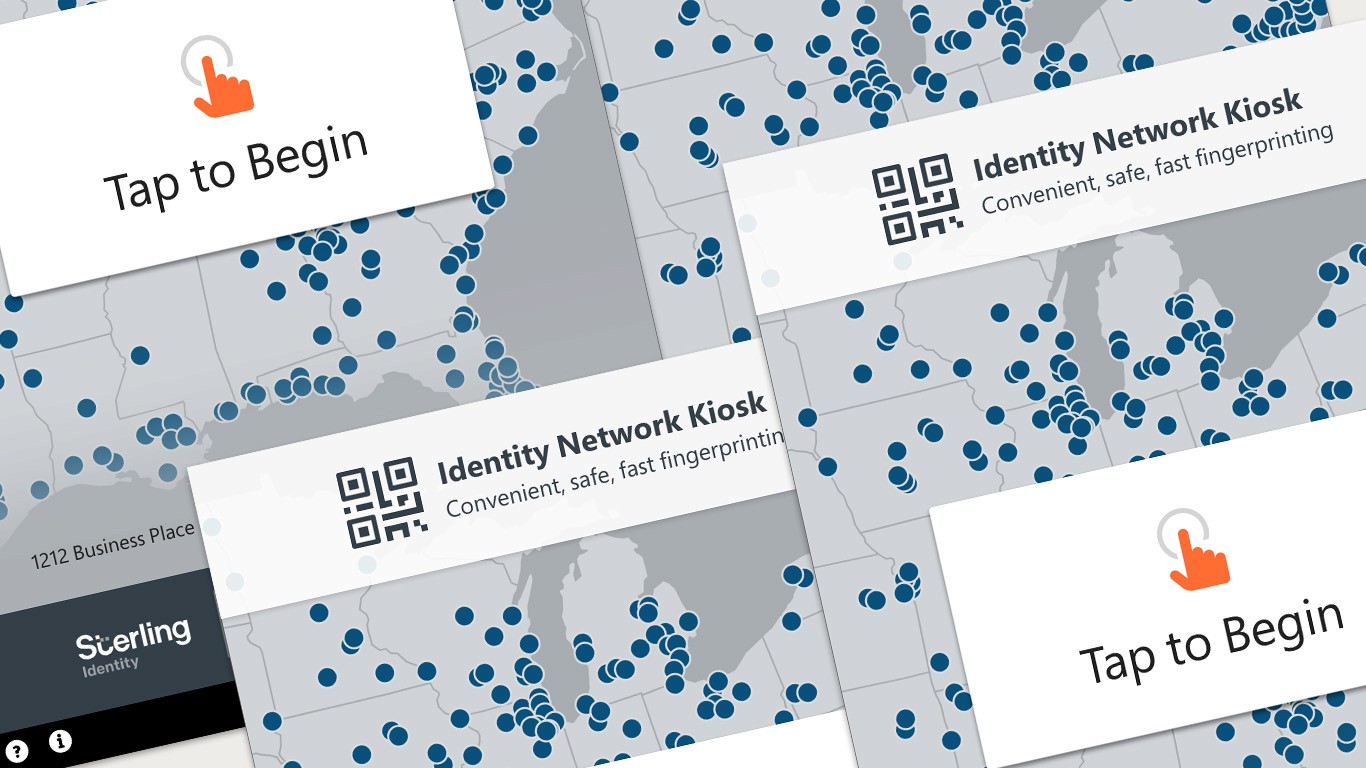
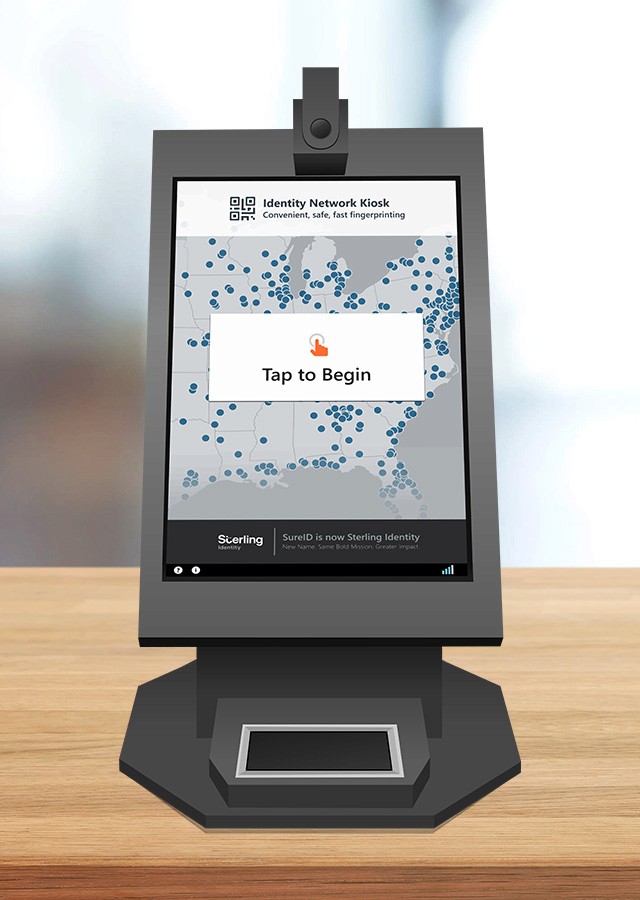
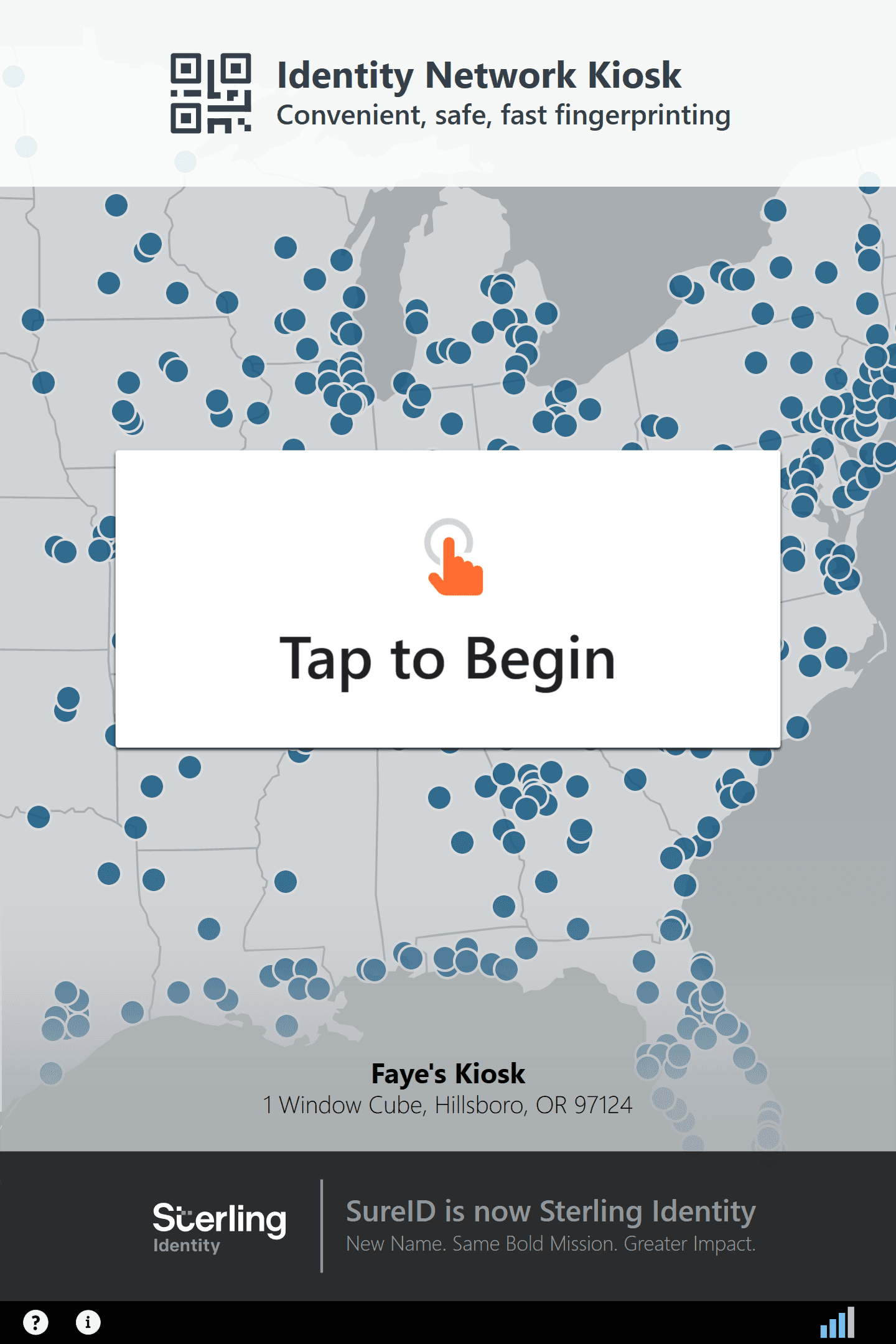
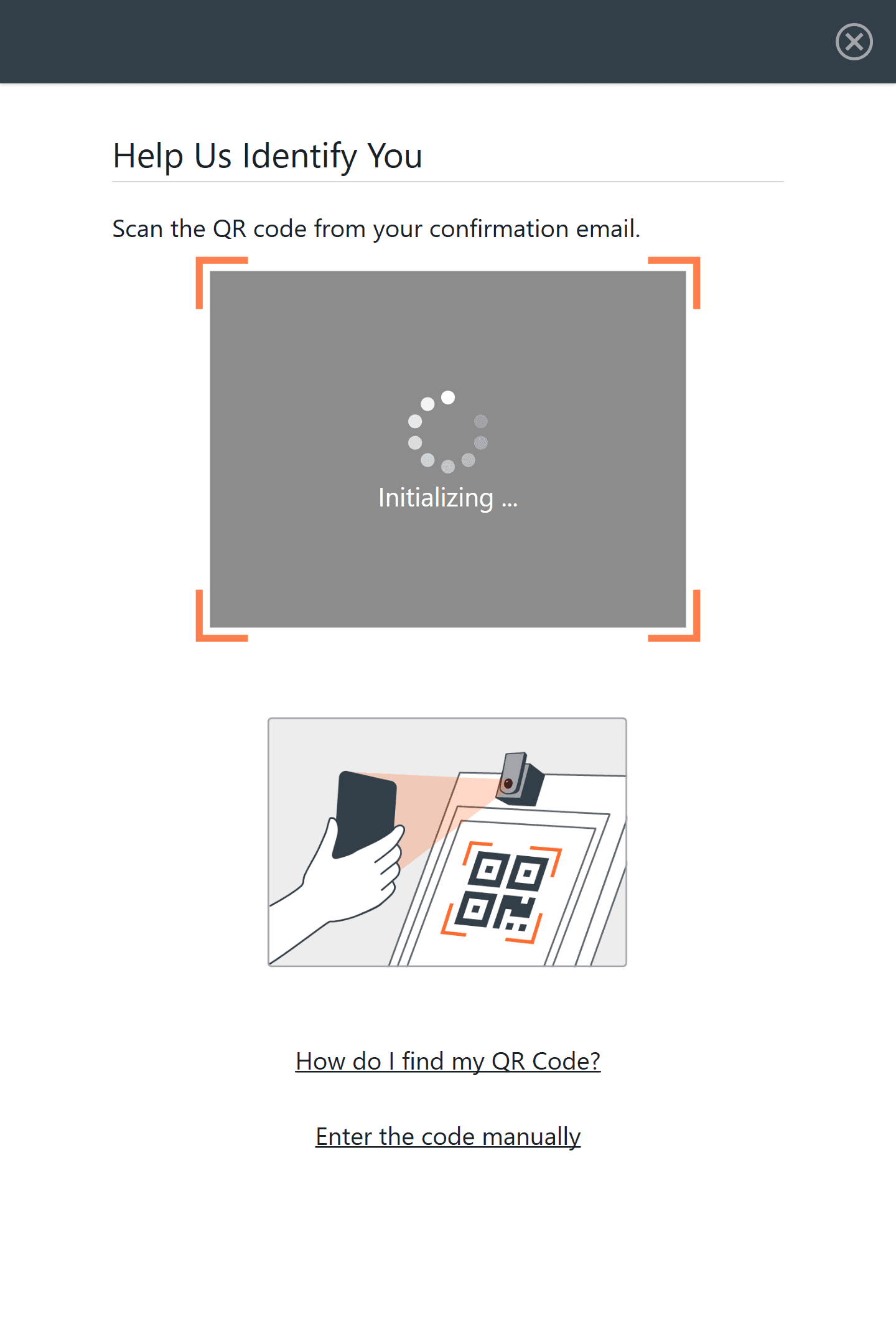
Product Goal
Enable individuals to complete a sensitive, regulated fingerprint capture process independently, accurately, and with confidence—while reducing reliance on in-person guidance and customer support.
My Role
Lead UX Designer responsible for improving the self-guided kiosk experience, identifying failure points, and collaborating with engineering to redesign system feedback and guidance within strict hardware and regulatory constraints.
Key Insights
Most user failures were not caused by interface complexity, but by missing system feedback during biometric capture.
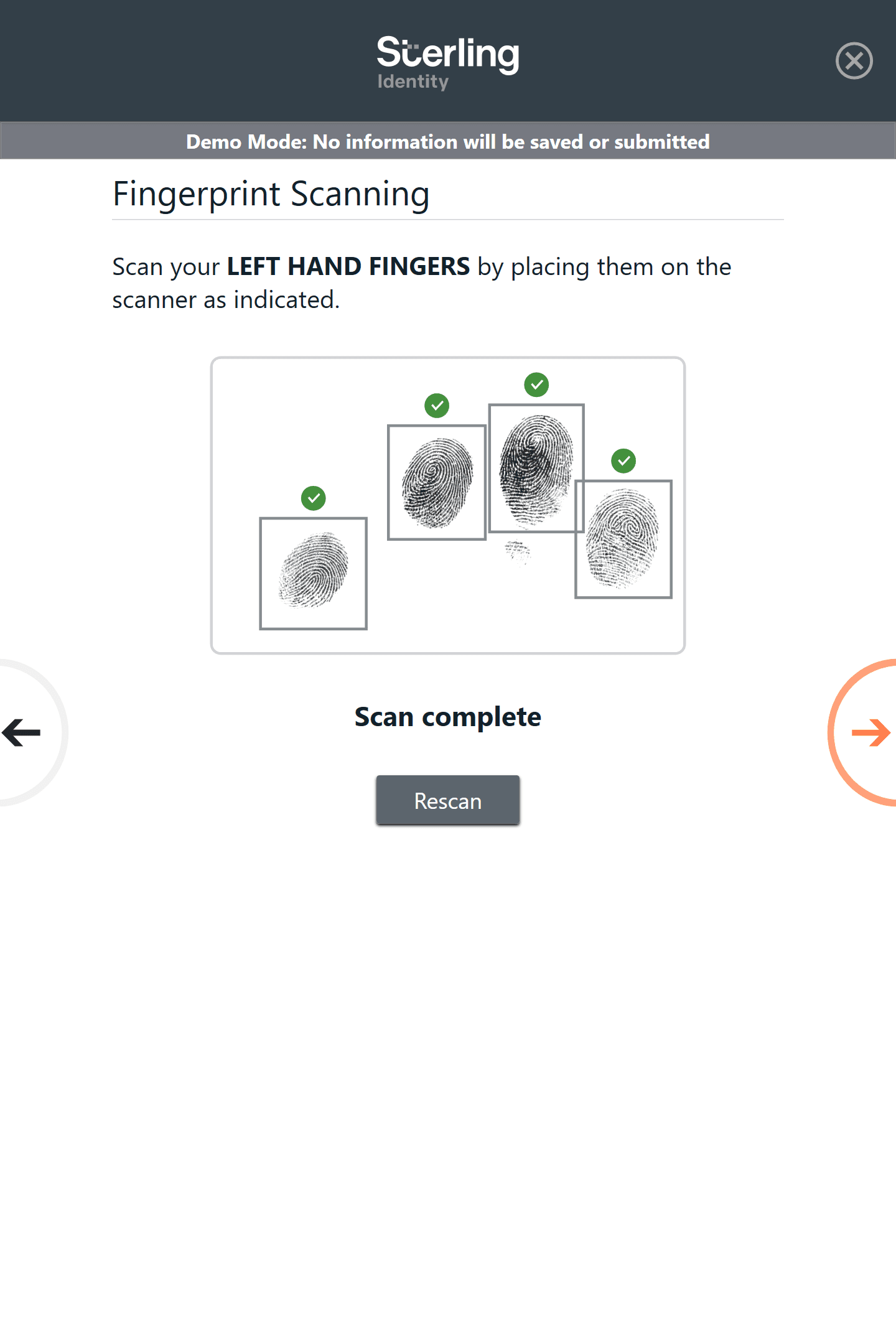
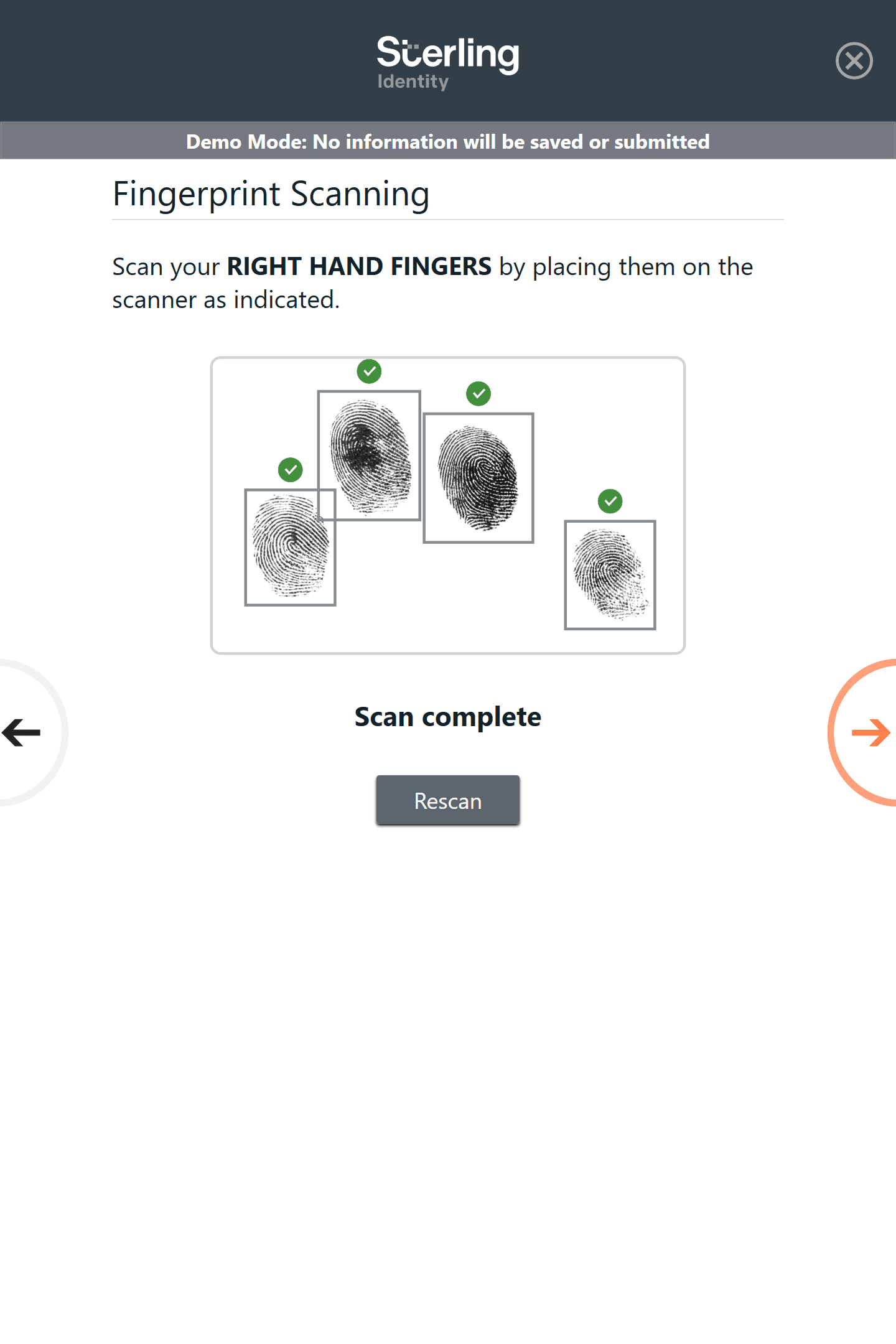
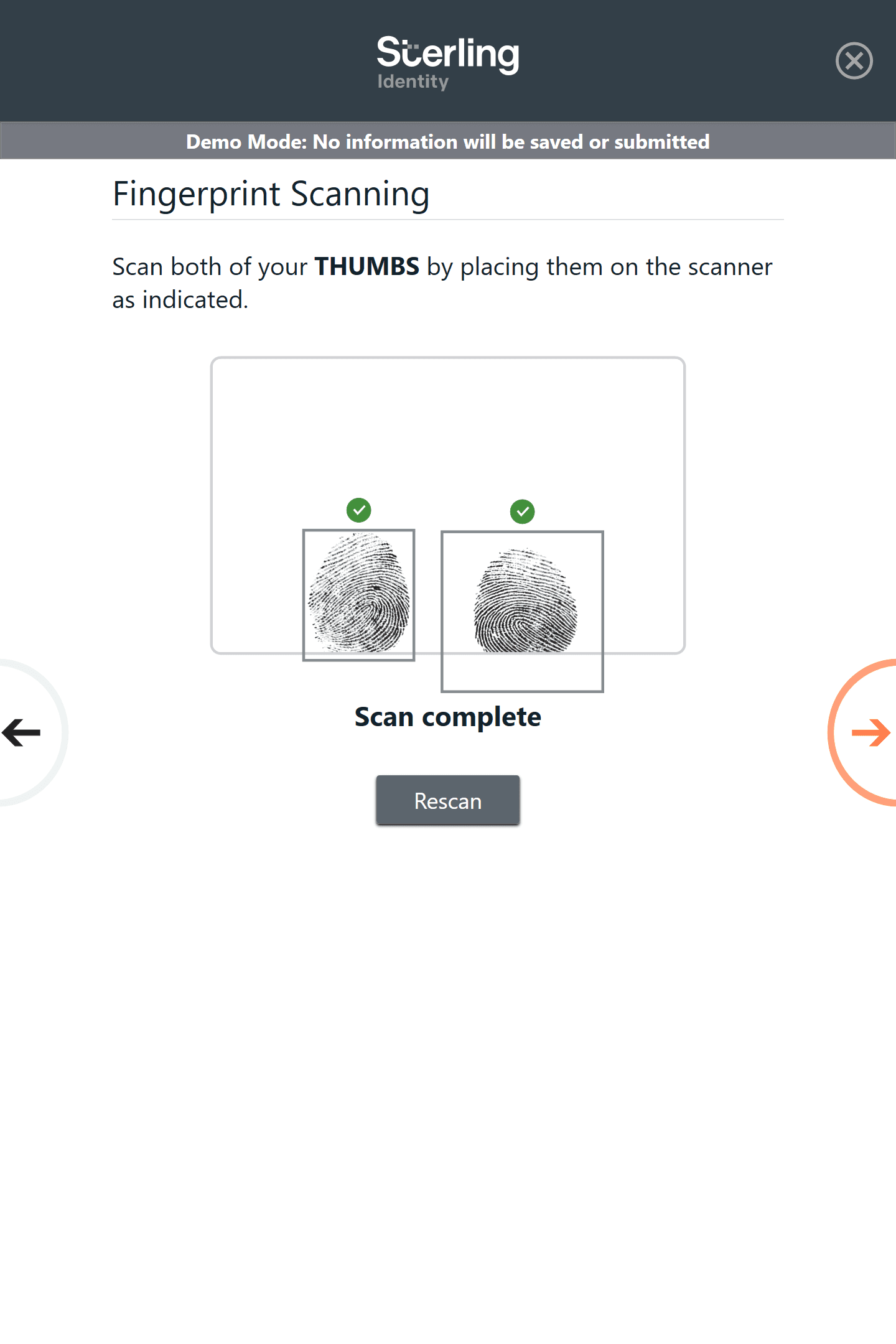
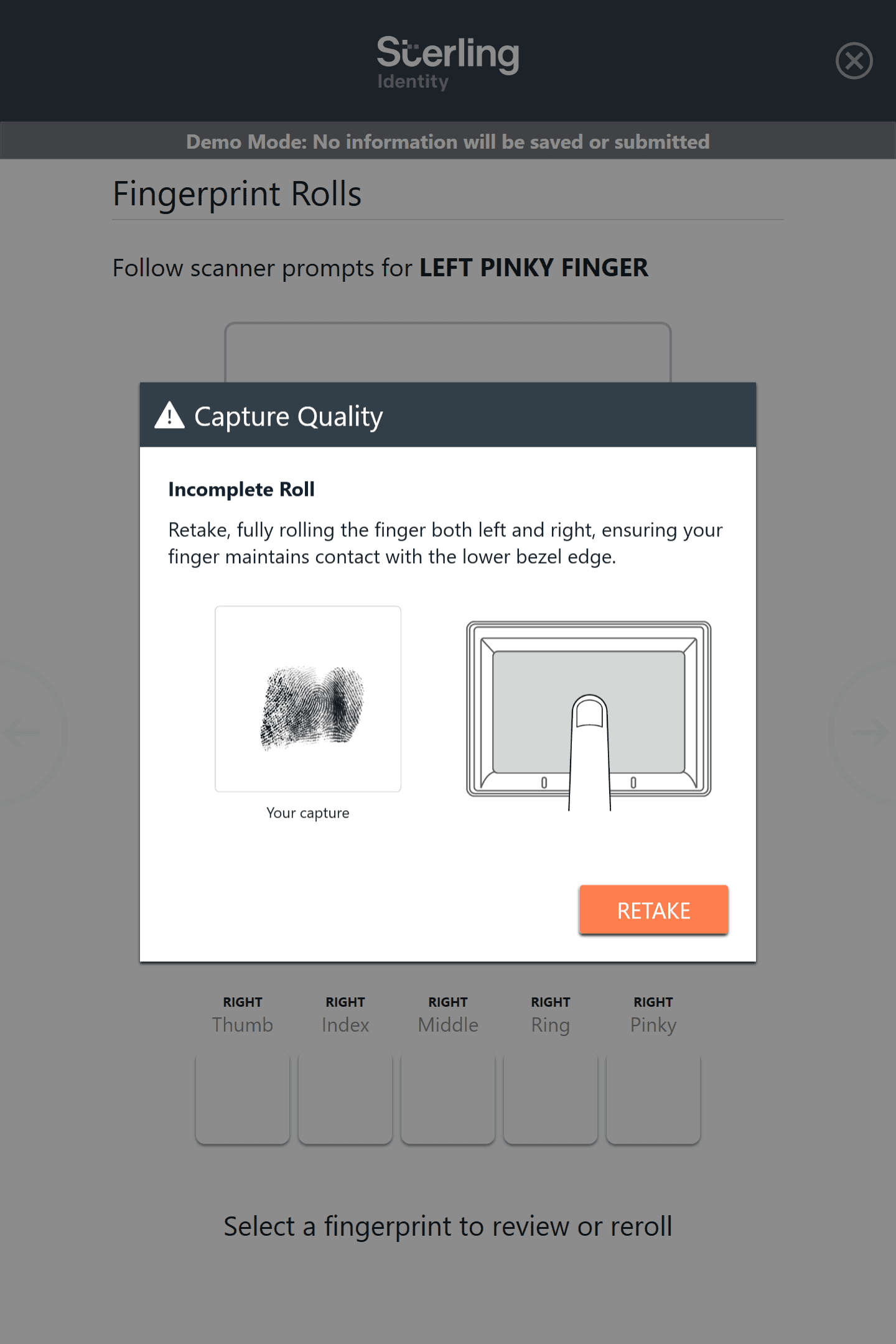
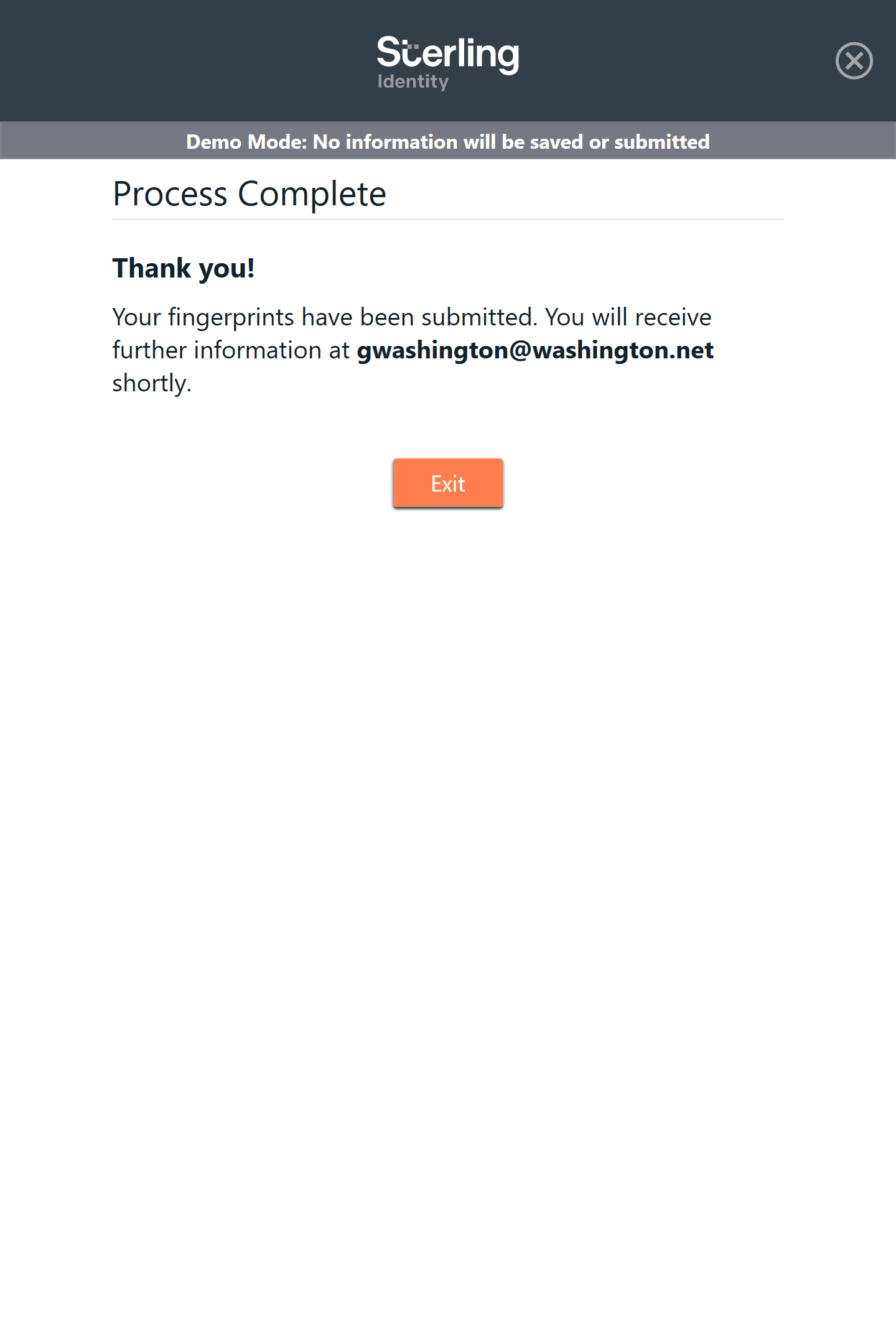
The third-party fingerprint capture hardware returned detailed issue codes that were not surfaced in the kiosk UI. When capture failed, users received little to no actionable feedback—leading to confusion, repeated attempts, and increased calls to customer support.
Translating machine-level error states into clear, human-readable guidance became the highest-leverage UX opportunity.
Impact
Reduced fingerprinting-related support calls by 17%
Improved successful self-service completion of fingerprint capture
Reduced burden on on-site guides and customer service teams
Established a reusable pattern for system-level feedback across the platform
My Challenge
Improve a live, production biometric kiosk—already deployed nationwide—to support a more self-guided experience, while working within the constraints of custom hardware, third-party devices, and strict compliance requirements.
Users
Primary users: Individuals completing fingerprint capture for employment, licensing, or legal purposes.
Secondary stakeholders: On-site retail guides, customer service and support teams
Constraints
Custom hardware paired with third-party fingerprint capture devices
Regulated biometric and identity verification requirements
Existing production system with active users
Need to closely emulate third-party capture processes while improving usability
My Process
Onboarded to an existing live system through team interviews, requirements review, and hands-on testing
Interviewed customer service teams to identify frequent failure points and user confusion patterns
Synthesized findings and aligned with product and engineering on high-impact improvements
Prioritized on-screen feedback as the most critical issue
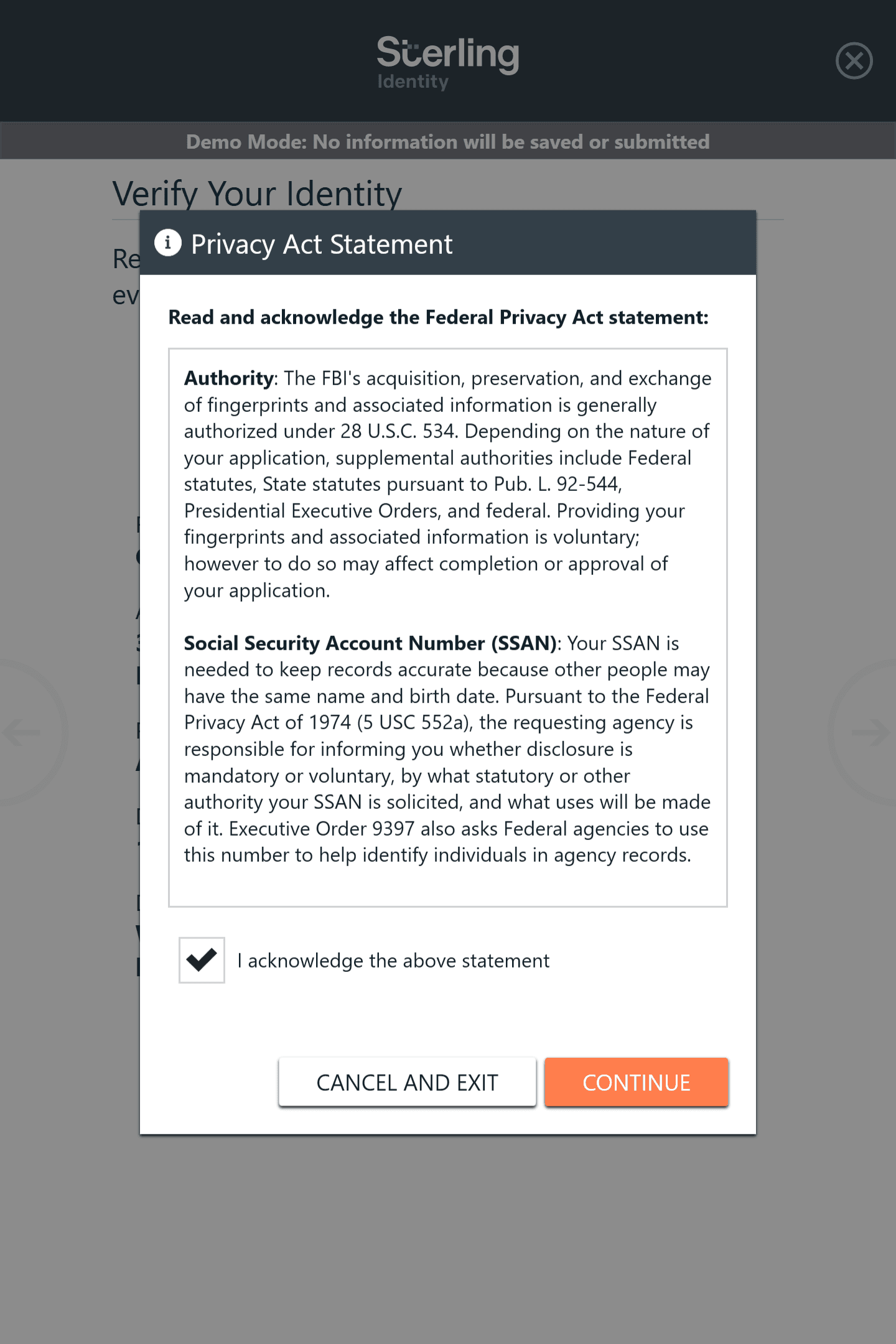
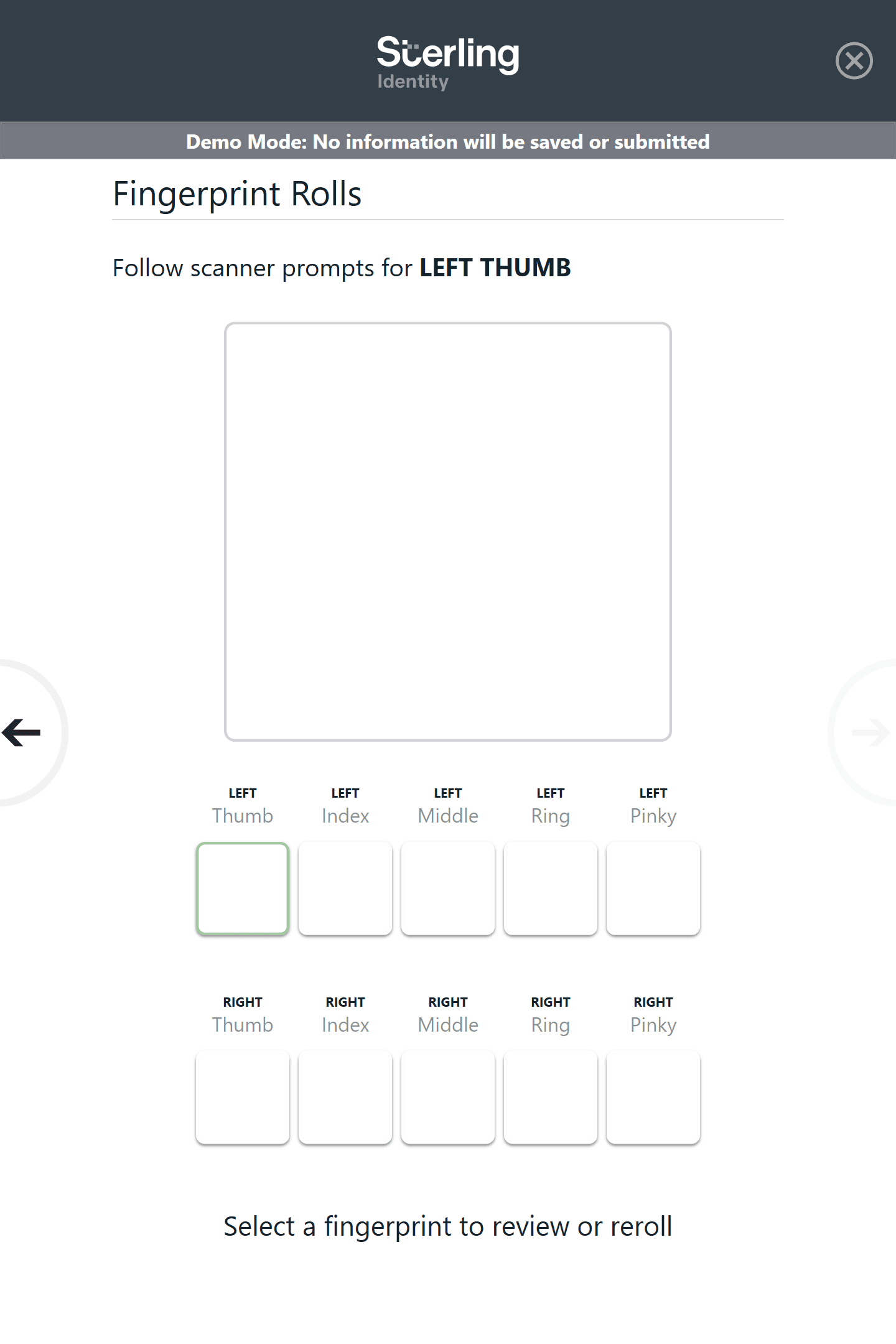
Collaborated with engineers to surface and translate fingerprint capture error codes into actionable UI feedback
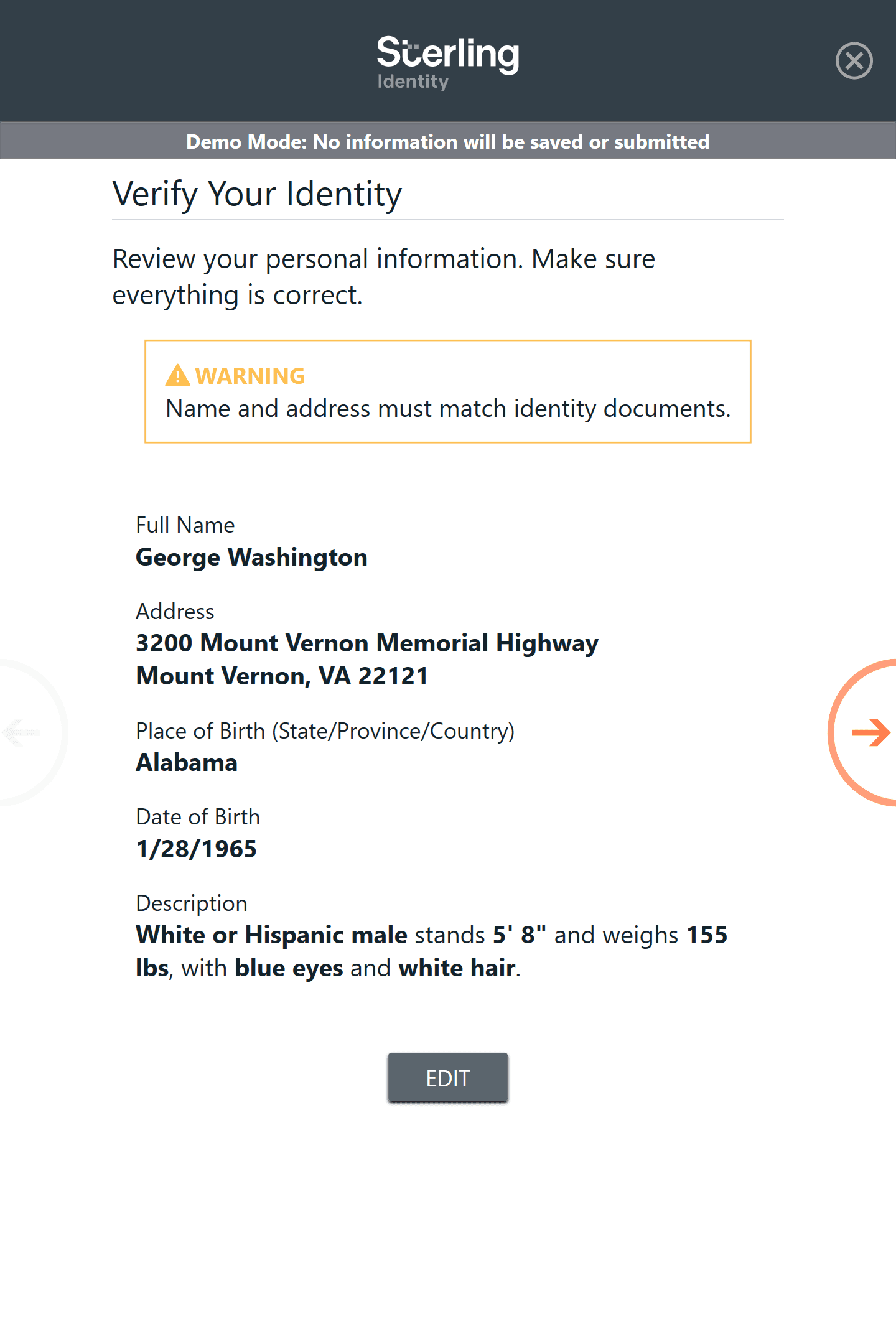
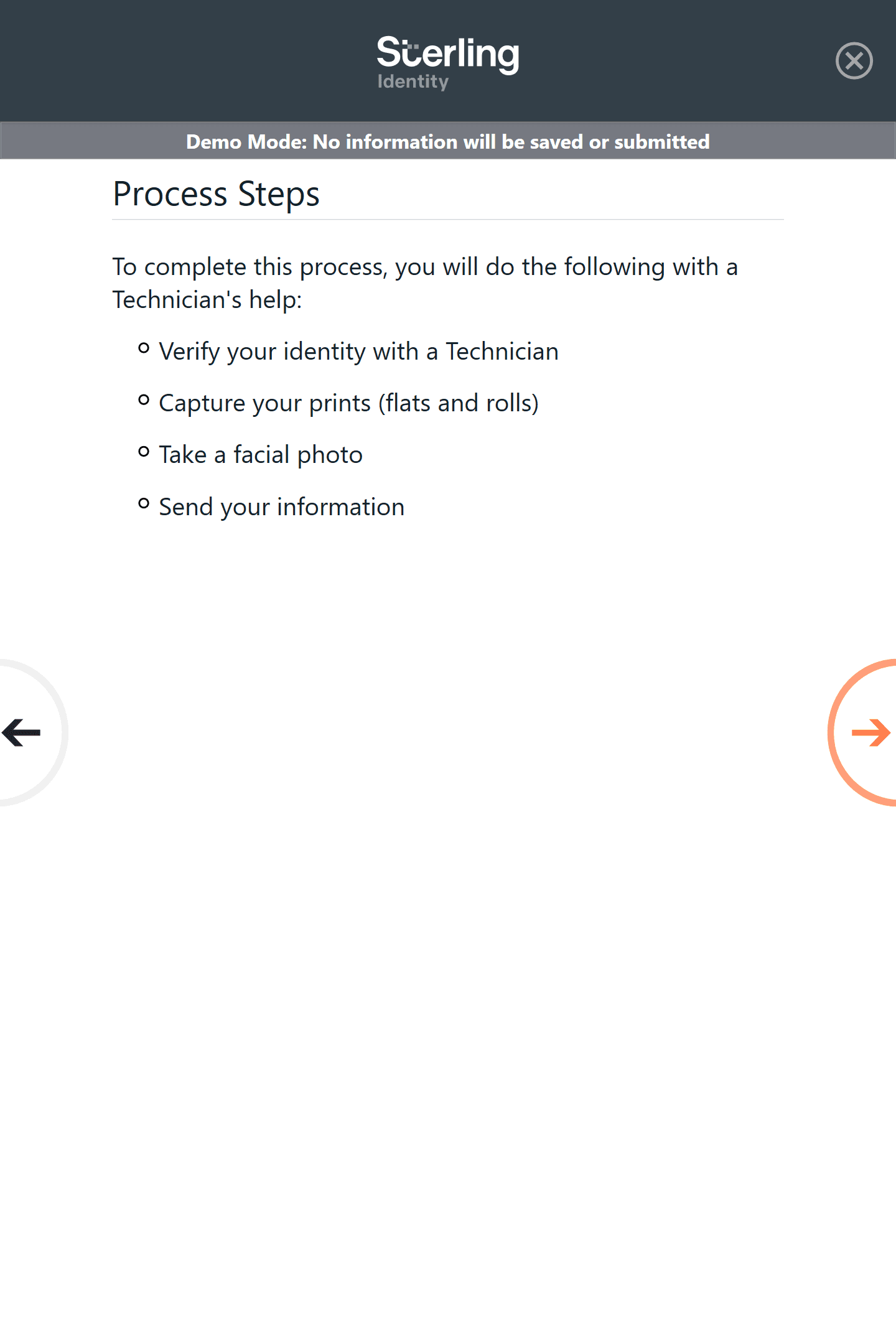
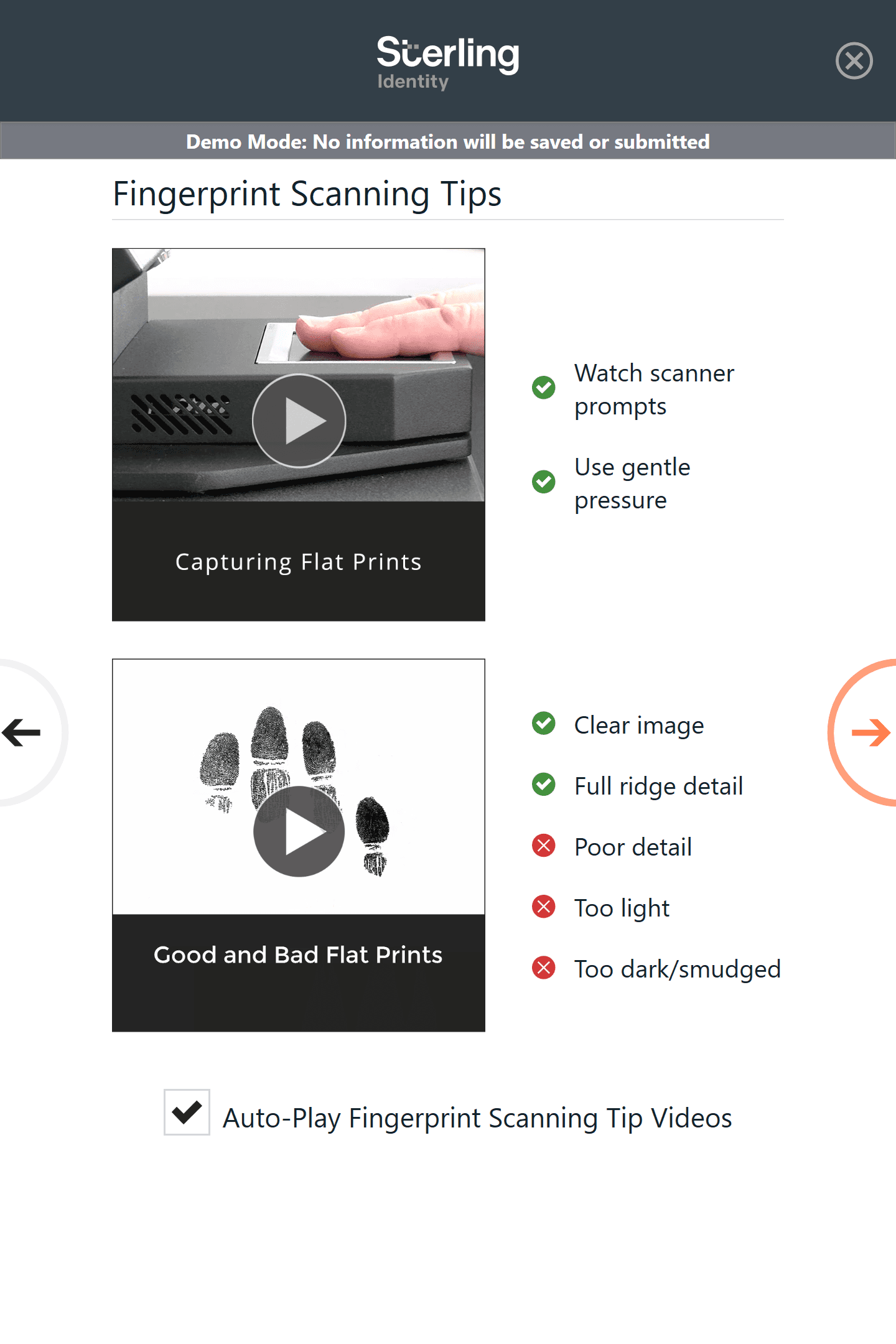
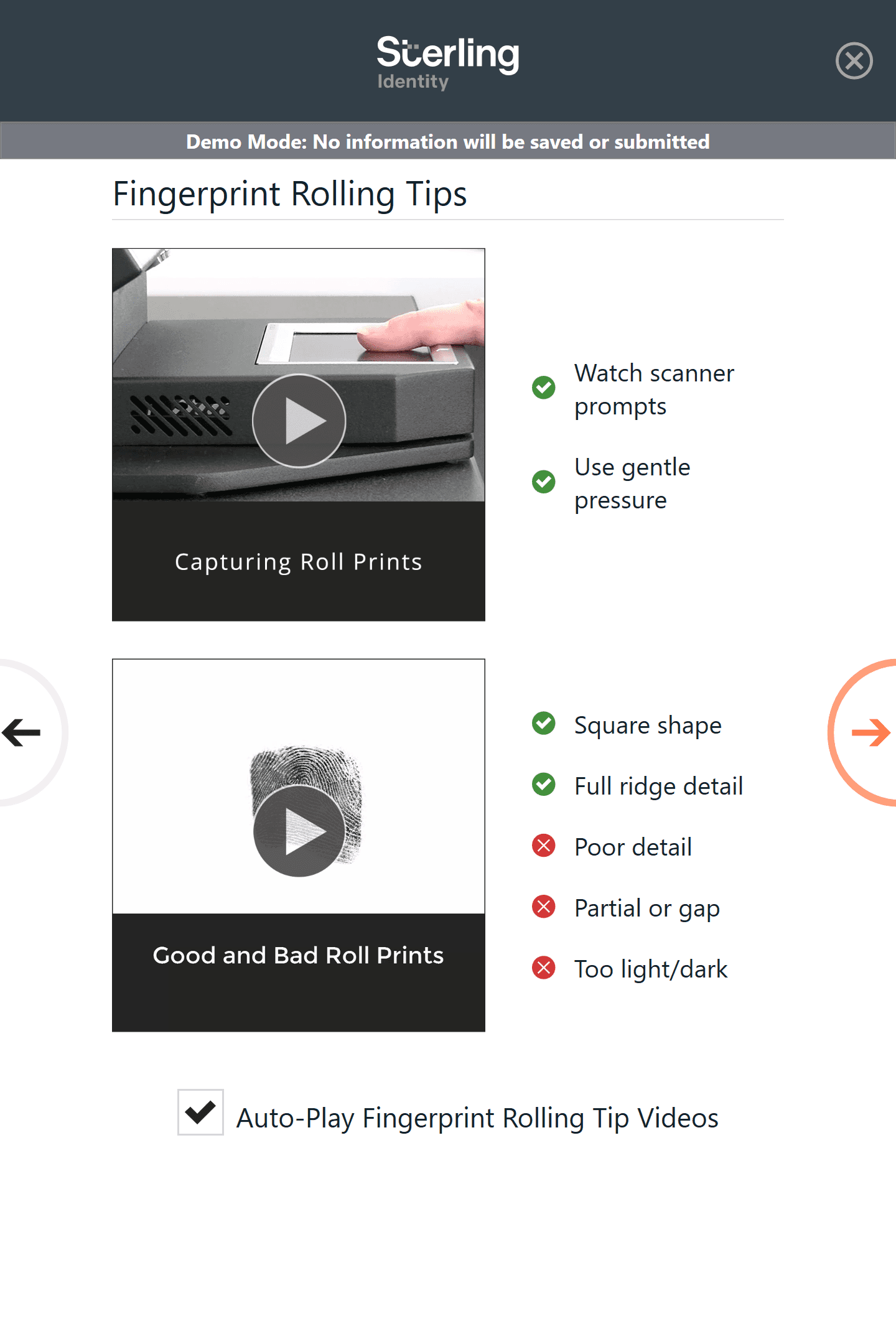
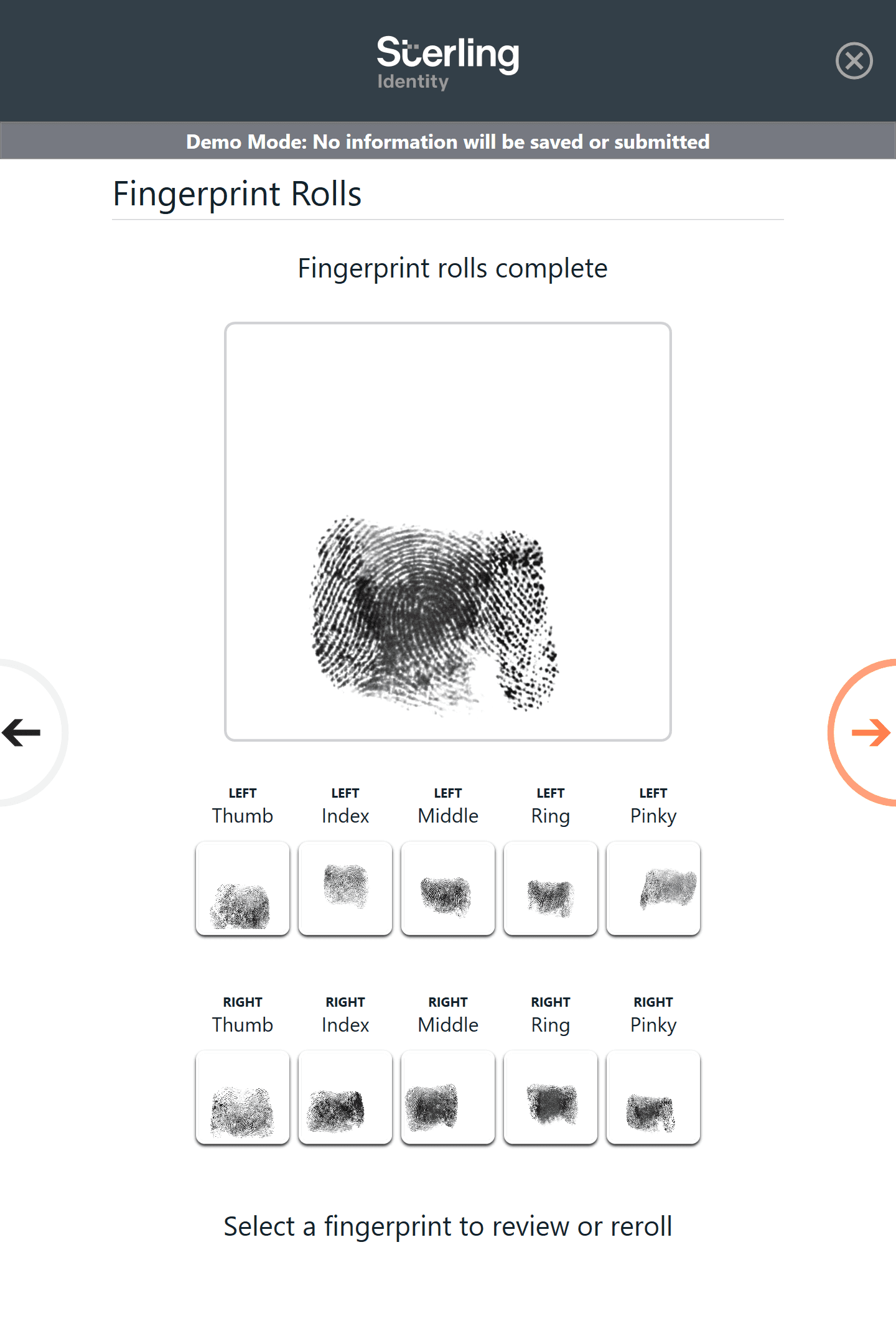
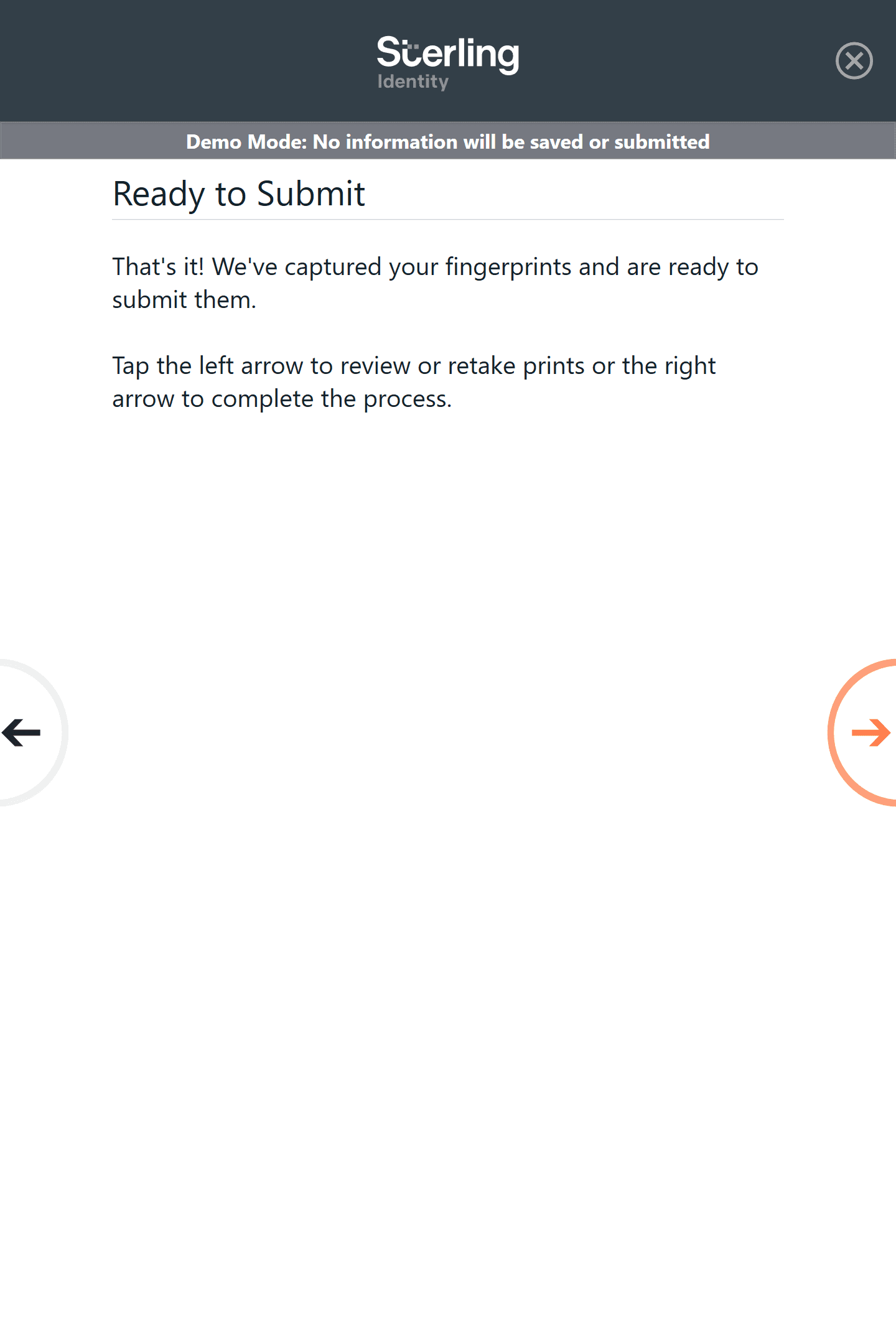
Redesigned key moments in the capture flow, adding clear guidance, troubleshooting steps, and optional short demonstration videos
Validated changes internally and supported release of the refined experience
Organizations
Sterling Identity
My Role
Lead UX Designer
Date / Duration
Apr 2015 - Sep 2020
Program Goal
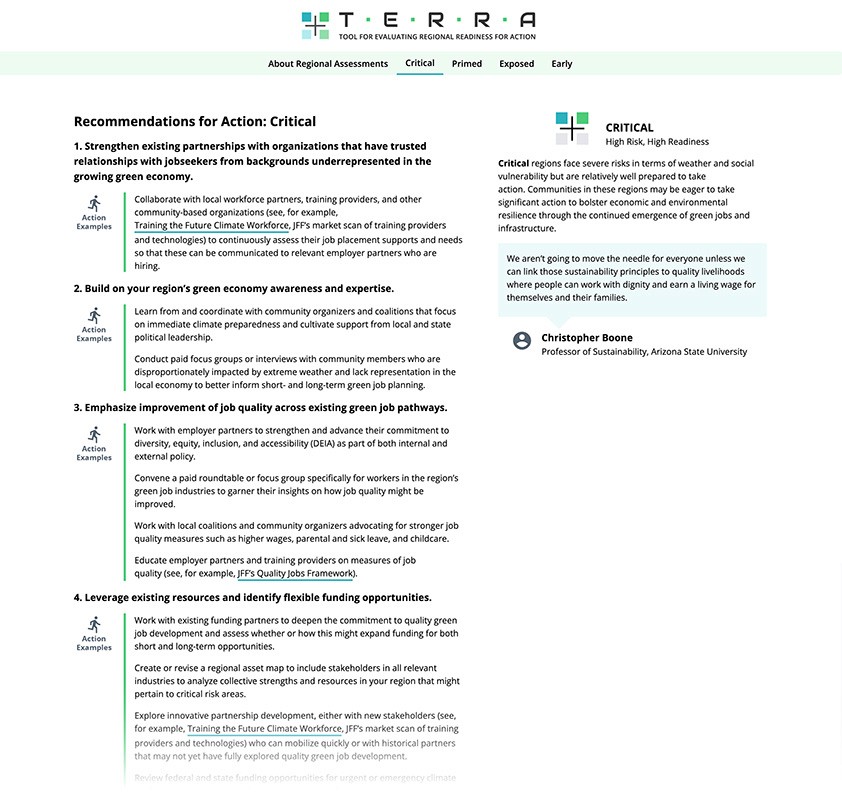
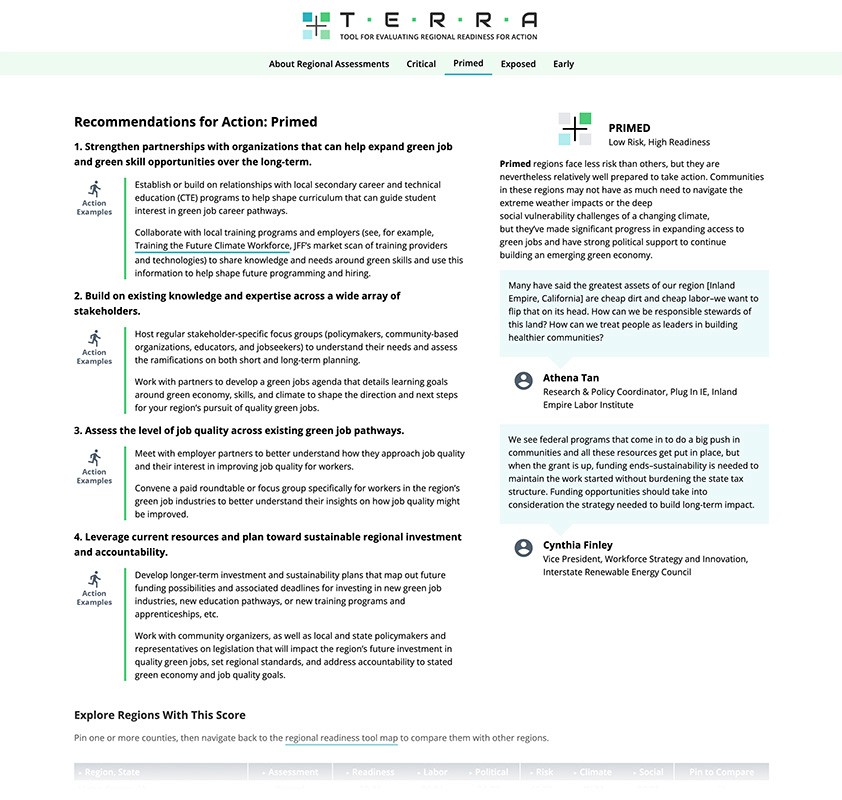
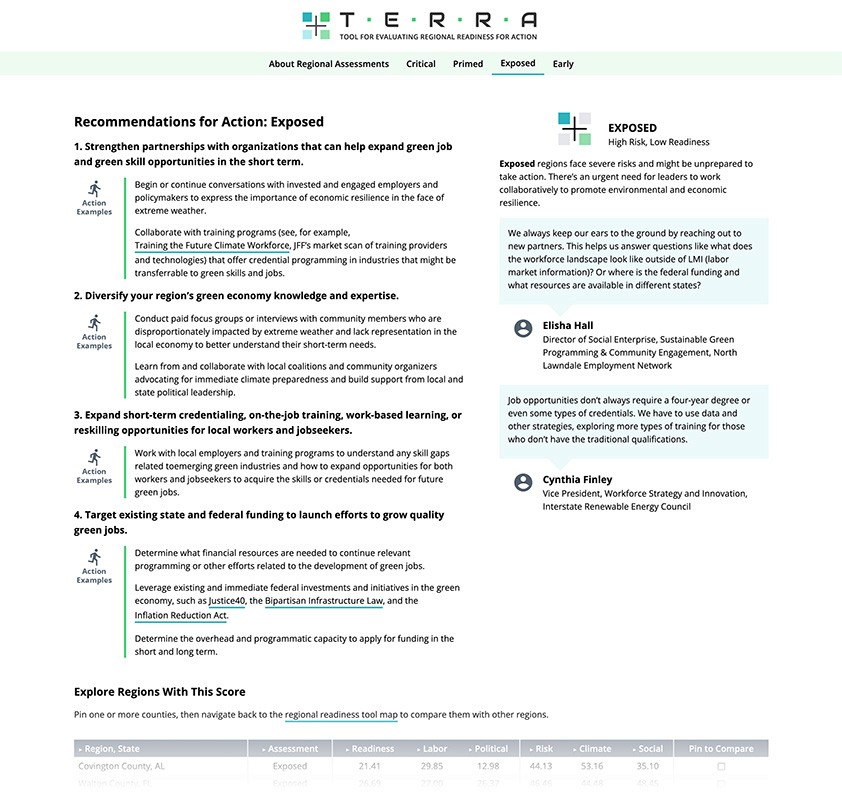
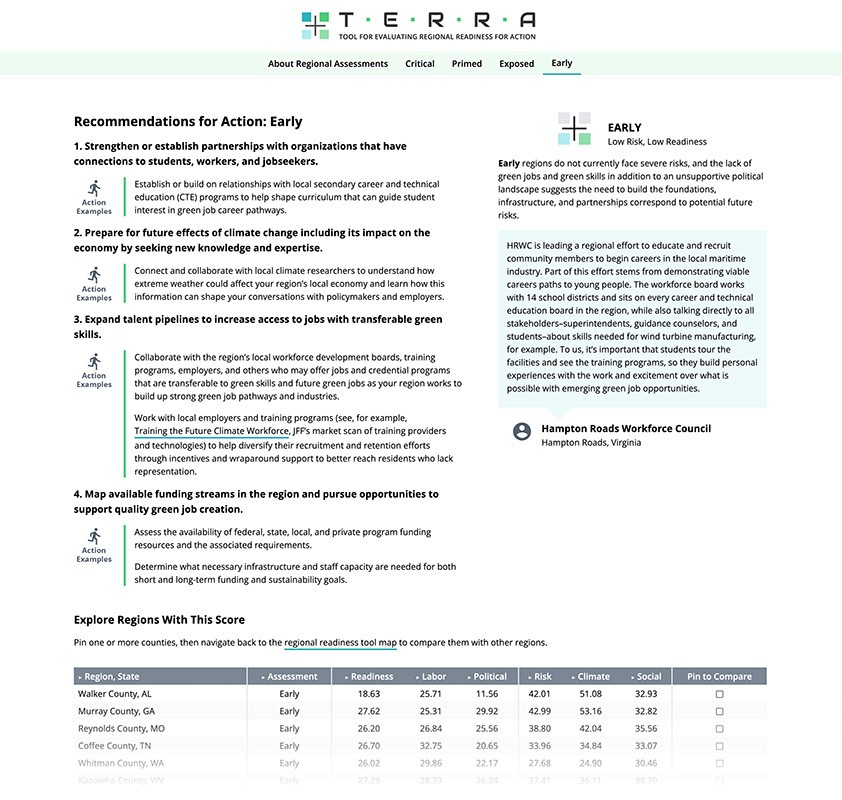
Improve the clarity, usability, and decision-making value of a complex, data-rich climate tool for regional leaders working across policy, workforce, education, and economic development.
My Role
Product designer and UX strategist responsible for reframing the information architecture, data presentation, and visual language of the TERRA tool under tight budget and timeline constraints.
Key Insights
High-quality analysis can fail to drive action when data is presented without a clear narrative or hierarchy.
Stakeholder feedback revealed that the original presentation of TERRA’s findings made it difficult for users to interpret scores, understand regional readiness, or translate insights into action. The core UX challenge was not data accuracy—but data legibility and meaning.
Impact
Reframed the tool around clarity, hierarchy, and decision-making flow
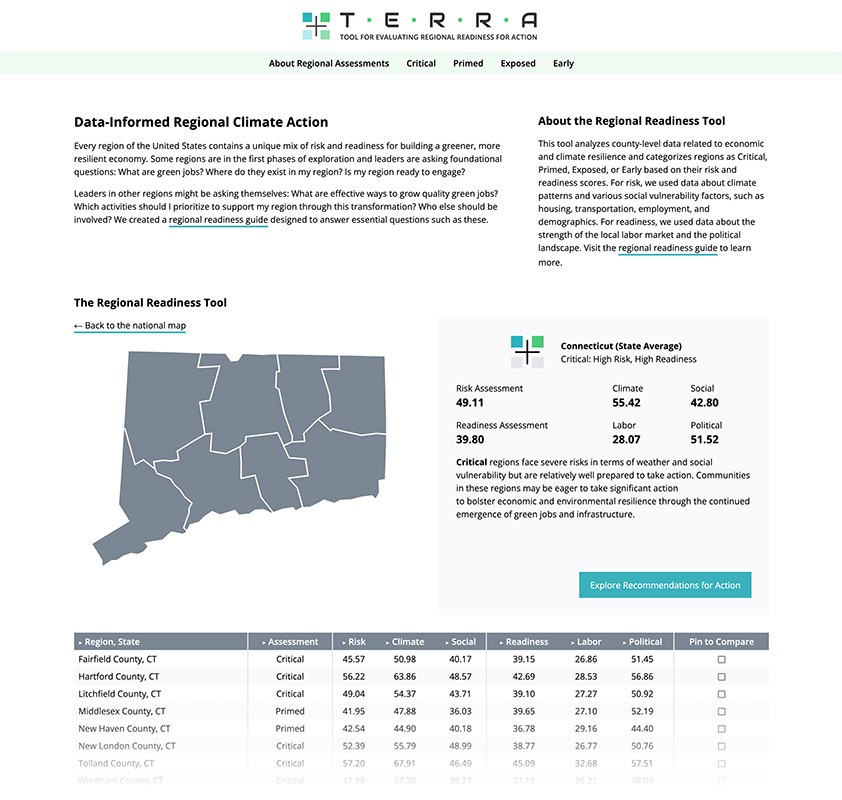
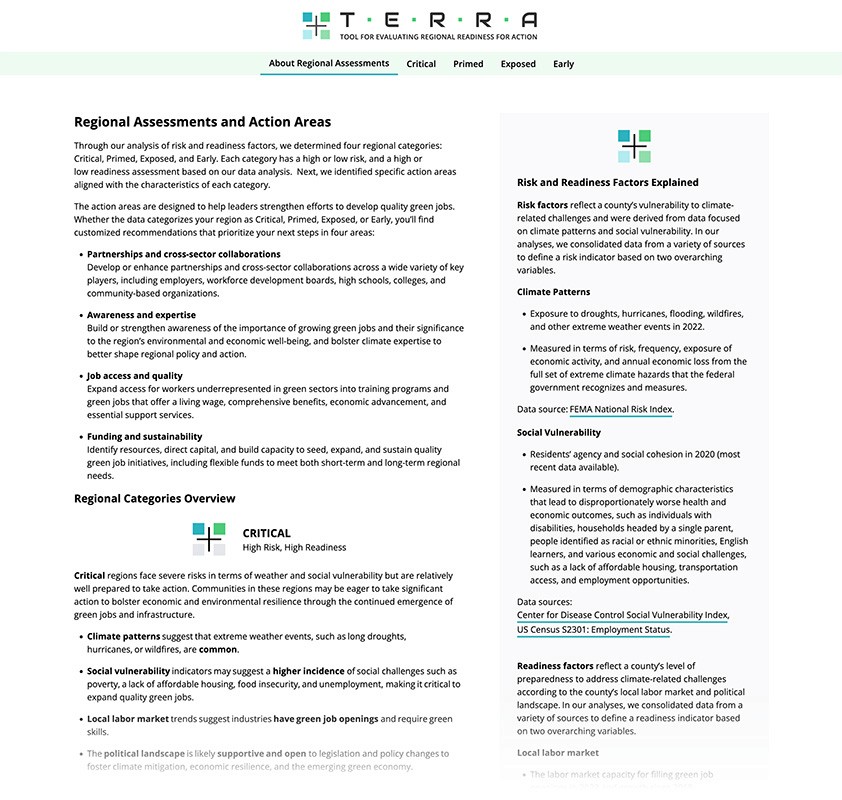
Proposed a new presentation model that made readiness scores and recommendations easier to interpret
Earned strong validation from the original research team and stakeholders
Positioned the project for potential additional funding prior to organizational layoffs
My Challenge
Reimagine an existing, publicly published climate data tool—originally built as a HubSpot site—into a clearer, more actionable product experience, while working within a limited budget and without redoing the underlying analysis.
Users
Primary users: Regional leaders across business, government, education, workforce development, and community organizations.
Constraints
Small budget with limited engineering scope
Existing data model and analysis could not be changed
Need to respect and preserve original research intent
Opportunity to unlock further funding if early improvements resonated
My Process
Reviewed project documentation and interviewed the original research team to understand intent and stakeholder feedback
Partnered with a software architect to define a high-impact, budget-conscious product proposal
Audited the existing HubSpot site to identify content priorities and opportunities for restructuring
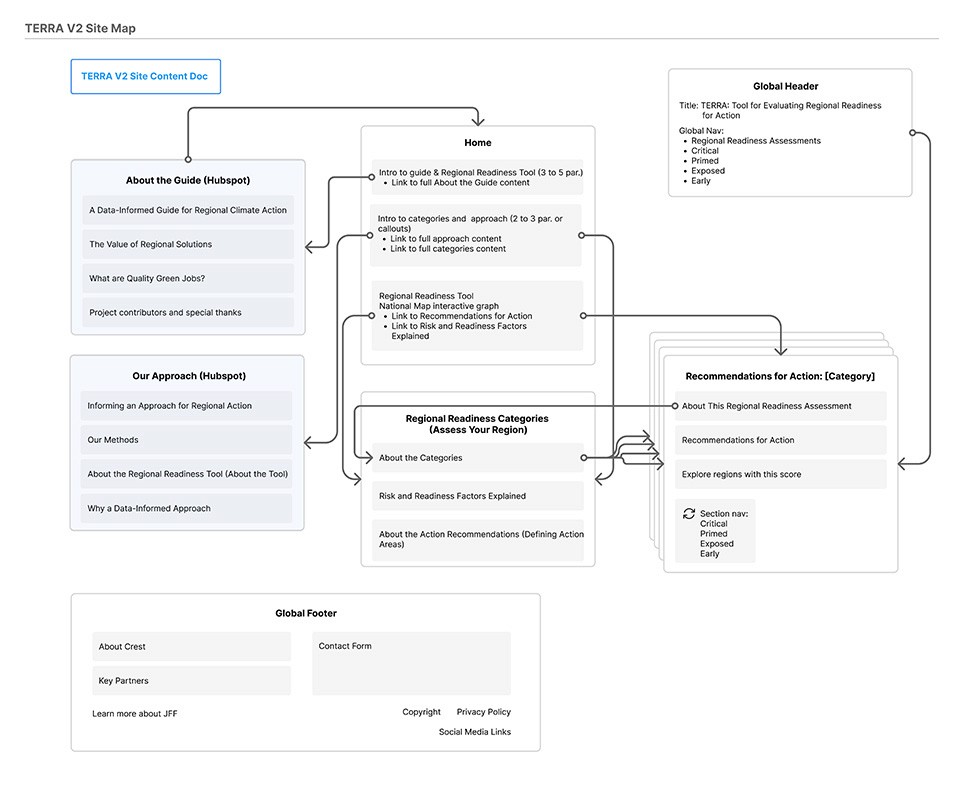
Designed a new information architecture that separated core insights from supporting documentation
Developed a clearer workflow for presenting readiness scores and recommendations
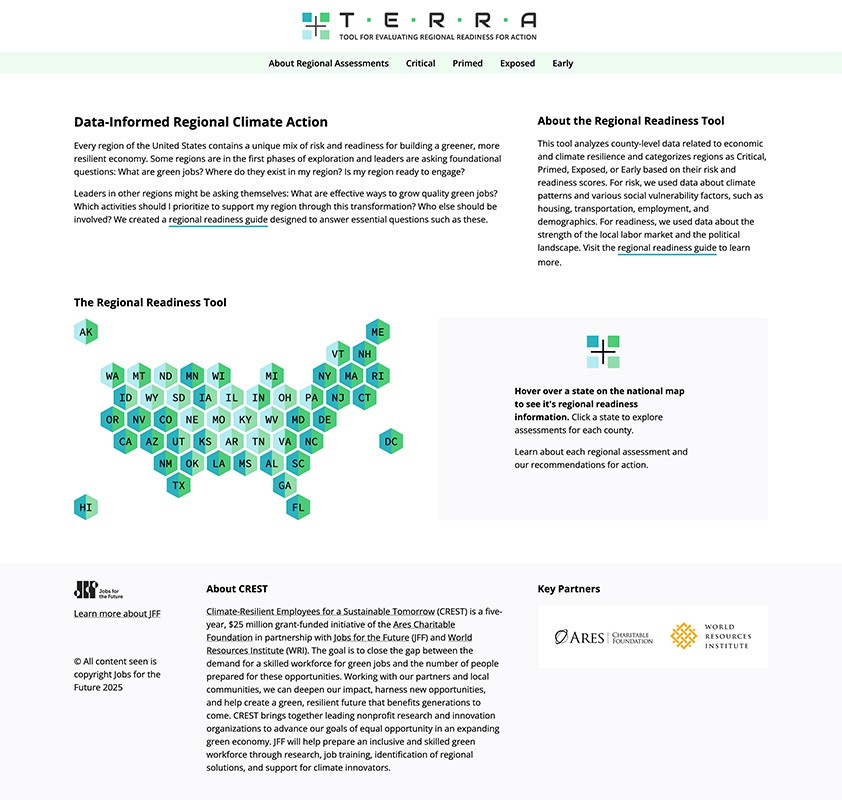
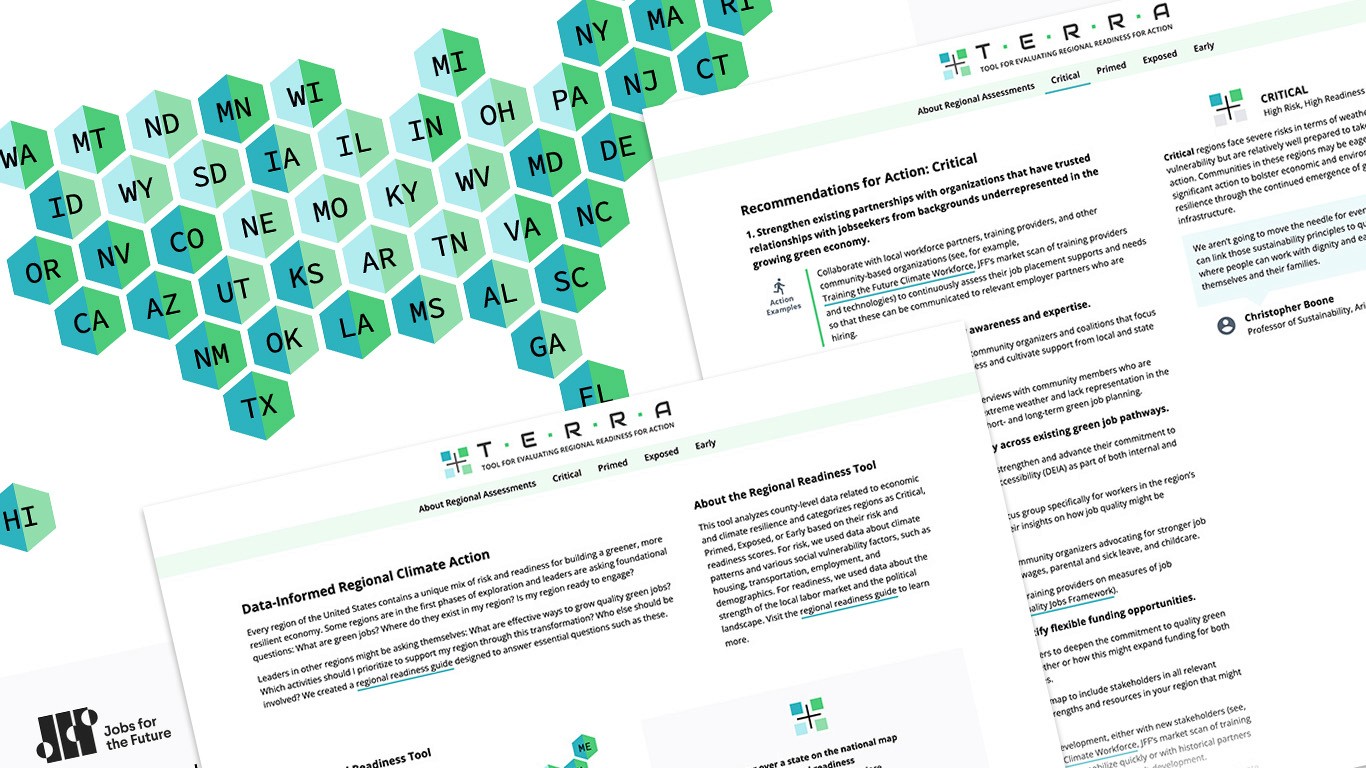
Proposed using an abstract, state-level map rather than a dense county-level map to improve comprehension
Created a lightweight brand system—including logo and color palette—aligned to climate themes and readiness categories
Built a visual prototype to validate the new approach with stakeholders, receiving strong endorsement before development began
Organizations
JFF, Ares Charitable Foundation (funder), World Resource Institute (funder)
My Role
Product Designer & UX Strategist
Date / Duration
Sep 2024 - Dec 2024